If you are a stock photographer, videographer, or generative AI artist selling human portraits or private property assets, you already know the golden rule of the industry: No valid release, no sales. Every major microstock agency—whether it’s Adobe Stock, Shutterstock, Getty Images, or Freepik—strictly requires a legally binding Model or Property Release form for any commercial content featuring identifiable people, private locations, or trademarked architecture.
Historically, getting these forms filled out was a logistical nightmare. You had to print out physical sheets, carry them to your shoots, convince models to manually write their private information, get physical ink signatures, take a photo or scan the paper, and manually upload the digital file. If there was even a minor typo or a missing checkbox, the agency would reject your asset, forcing you to track down the model all over again.
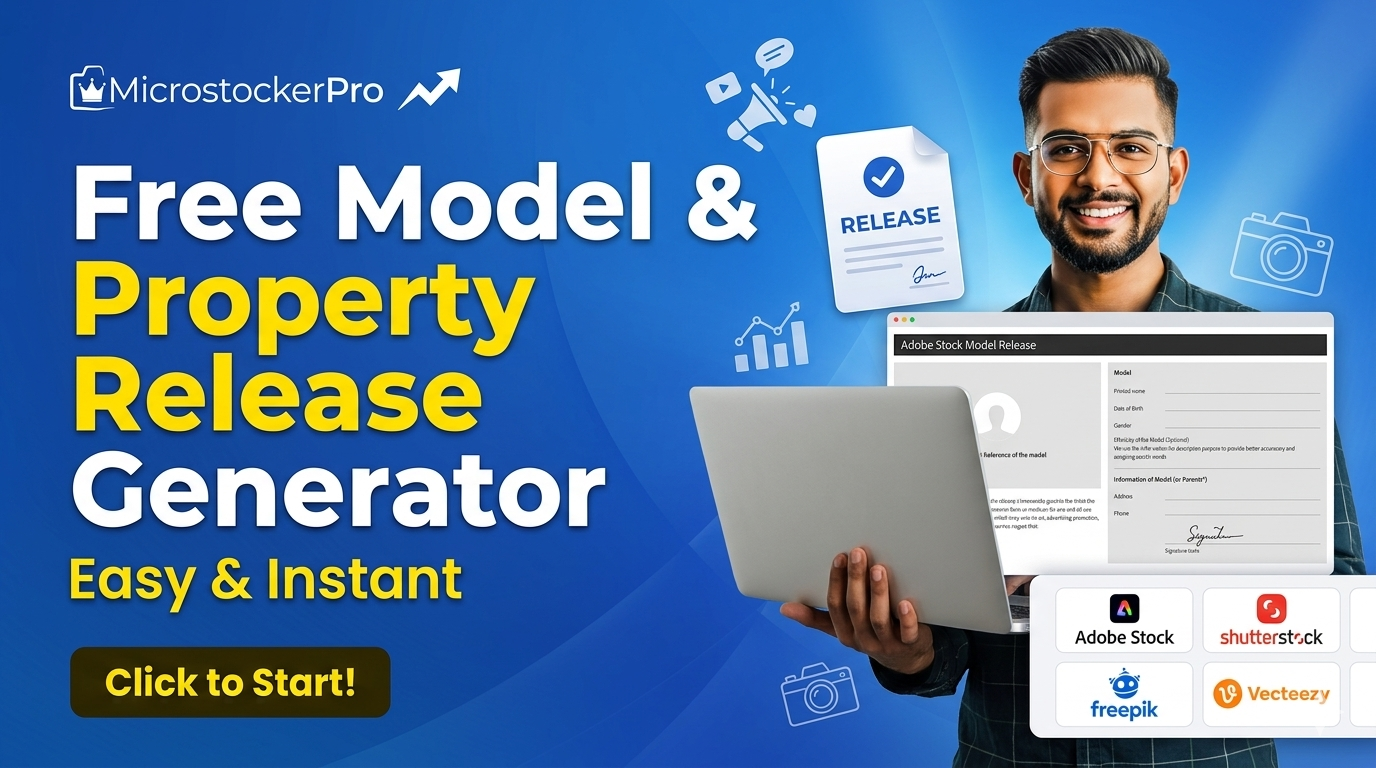
Thankfully, those days are over. With MicrostockerPro’s Free Model & Property Release Generator, you can create, fill, digitally sign, and download agency-approved releases on any device in under 60 seconds.
🚀 Why Modern Contributors Are Switching to MicrostockerPro
Unlike rigid desktop applications or standard PDF editors that don't conform to specific stock guidelines, MicrostockerPro provides an interactive, cloud-based workflow built exclusively for stock media creators.
1. Pre-Loaded Official Agency Templates
Every stock agency has slightly different legal verbiage requirements. Instead of forcing you to use a generic corporate form, MicrostockerPro includes native, official release structures for the absolute giants of the industry, including:
- Adobe Stock
- Shutterstock
- Getty Images / iStock
- Alamy, Freepik, Vecteezy, Depositphotos, Dreamstime, Storyblocks, and Pond5
- Have your own custom legal contract? Use the Own Release option to upload any custom PDF template and turn it into an interactive form instantly.
2. A Professional Canvas for Complete Precision
The integrated Release Editor Workbench provides a lightning-fast visual setup. You can use native text layers, add custom checkmarks, clear fields with a single click, and seamlessly navigate multi-page release forms without any lagging.
3. Native Digital Signatures
No printers required! Models, photographers, and witnesses can sign directly on the digital canvas using a computer mouse, a trackpad, or their fingers on a responsive touchscreen layout.
4. 100% Mobile Responsive (Sign on the Go)
Are you out in the field doing an active lifestyle shoot? Simply open MicrostockerPro on your smartphone or tablet. The responsive viewport design means models can review the terms, type their addresses, insert a profile visual reference photo, and add smooth, handwritten digital signatures directly on your phone screen right after the shoot finishes.
🛠️ The Smart 3-Step Workflow
MicrostockerPro condenses legal data collection into three effortless processing stages:
Step 1: Select Agency & Release Type
Log into your dashboard at microstockerpro.com and select the Release Generator from the side menu. Choose your destination marketplace (e.g., Adobe Stock) and click whether you need a Model Release (for humans/portraits) or a Property Release (for houses, artwork, pets, or private interiors).
Step 2: Interactive Editing & Input
Fill in the essential text metadata layers on the interactive contract sheet:
- Model Information: Printed name, date of birth, gender, address, phone, and email.
- Visual Reference: Attach a quick reference thumbnail picture of the model directly onto the placeholder box so agency reviewers can instantly match the release file to the uploaded stock photo.
- Handwritten Signatures: Select your electronic pen stroke thickness or color, and let the model draw their official signature inside the verified visual signing zone.
Step 3: Save & Download
Once the template states "Saved — ready to download", you can immediately save your file for just 10 platform credits:
- Download as PDF: Generates a flat, high-resolution, legally binding document ready for agency submittal.
- Download as Image: Perfect for quick mobile storage or archival portfolio records.
🎯 Designed For Every Commercial Creator
- Portrait & Commercial Photographers: Instantly sign up models right on location, saving you days of following up via email post-production.
- Stock Videographers: Secure legal clearances from actors on set using a tablet, keeping your commercial video submissions entirely risk-free.
- Generative AI Artists: Some premium agencies require reference forms even for artificial visuals to prove you own the baseline reference assets or to track metadata metrics.
- Travel Creators: Never worry about carrying physical paper folders in your camera bags again. Everything stays secure inside your digital cloud wallet.
Conclusion: Protect Your Portfolio. Automate Your Legals.
In the commercial microstock business, legal rejections equal lost revenue. A minor missing detail on a manual paper document can freeze a valuable asset from being indexed on global storefronts.
By adding MicrostockerPro’s Free Model & Property Release Generator to your creative production stack, you replace human error with professional digital accuracy. Take advantage of automated autofill structures, real-time visual referencing, and instantaneous mobile signatures to secure your intellectual property in a single click.
👉 Stop carrying paperwork to your shoots. Go to the MicrostockerPro Release Generator Dashboard, watch our platform tutorials, and claim your 100 Free Starter Credits to create your first official release file today!