For digital artists, prompt engineers, and generative AI creators, finding the right words to replicate a specific visual aesthetic can be incredibly challenging. You might stare at a stunning AI-generated image on the web and wonder about its hidden formula: What was the camera angle? What specific lighting keywords were used? Is that a volumetric render or a cinematic macro shot?
Trying to guess those prompt parameters through manual trial and error can drain your creative energy and waste expensive rendering hours.
What if you could bypass the guesswork entirely?
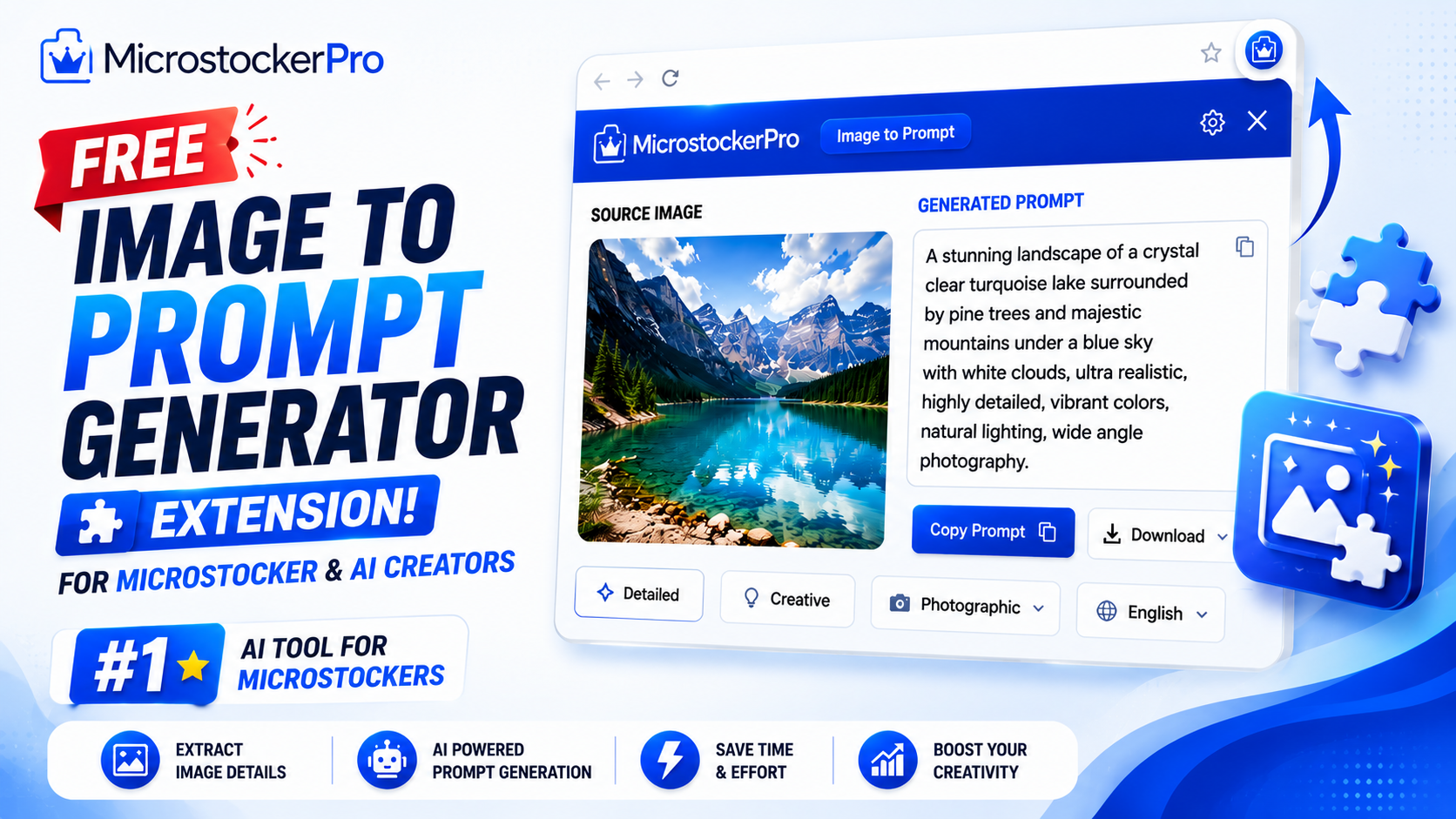
With MicrostockerPro AI Studio’s Browser Extension, you can instantly reverse-engineer any image on the web into a highly detailed text prompt. Optimized perfectly for Midjourney, DALL-E 3, and Recraft, it stands out as the ultimate Best AI Prompt Generator from Images on the market today.
🚀 The Ultimate AI Reverse-Engineering Hub
Unlike standard image scrapers that only download files, MicrostockerPro integrates complex computer vision networks directly inside your web browser.
Whether you are browsing an online community portfolio, an art marketplace, or a stock agency directory, our system extracts the complete artistic DNA of any graphic, including:
- Stylistic Mediums: Identifies whether the asset is a flat vector design, a 3D claymation layout, a cyberpunk oil painting, or a photorealistic image.
- Technical Camera Properties: Flags focal lengths, depth-of-field settings, perspectives, and composition rules.
- Lighting & Textures: Breaks down environmental elements like cinematic neon glow, soft studio diffused lighting, octane renders, or intricate textures.
✨ Power Features Engineered for Bulk Production
The extension dashboard provides an automated workspace that removes all friction from your brainstorming routine:
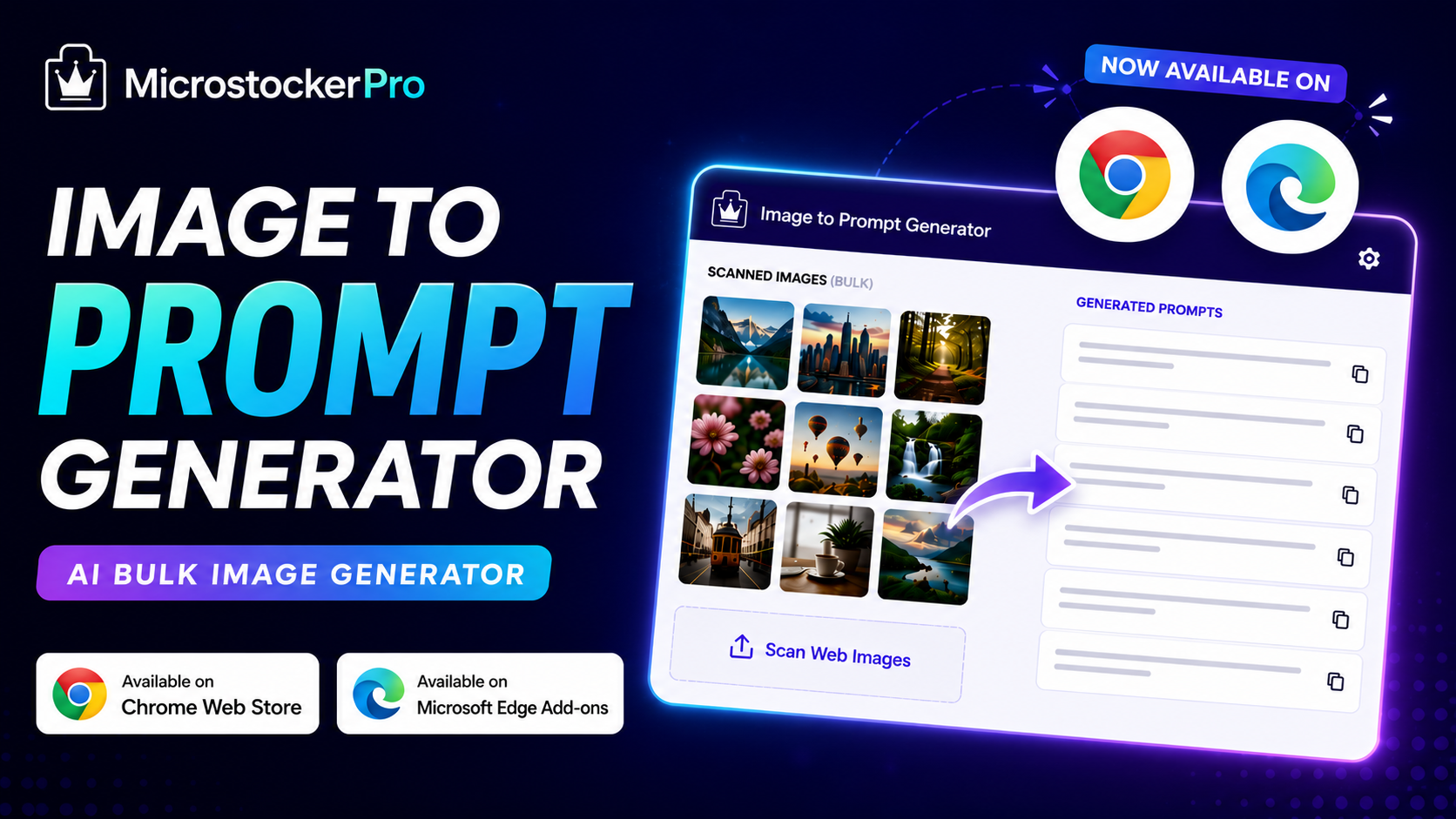
- Instant Webpage Scanning: Navigate to any online gallery, open the extension tab, and click a single button to pull every visible image on the page into a unified layout grid.
- Smart Grid Batching: Browse the extracted assets effortlessly inside an interactive panel. Select specific visuals or check the entire list to run multiple prompt extractions simultaneously.
- Dual-API Processing Freedom (Your Choice, Your Terms):
- 100% FREE Mode (No Limits): Connect your personal AI developer keys (such as Groq, Google Gemini, or OpenAI) directly to the extension. Run unlimited extractions completely free with zero platform limitations!
- PRO API Mode: Don't want the technical hassle of managing cloud keys? Switch to our pre-configured, high-speed corporate network infrastructure to process file batches instantly.
- Workflow-Ready Data Export: Download your newly discovered prompt strings alongside their native file mappings inside a clean CSV format for seamless campaign organization.
🛠️ How to Automate Your Prompt Discovery in 4 Simple Steps
Getting production-ready prompt data strings takes less than two minutes:
Step 1: Install the Official Browser Extension
Download and secure the official software package for your native browser setup:
- Get it on Google Chrome: Chrome Web Store Listing
- Get it on Microsoft Edge: Microsoft Edge Add-ons Directory
🎁 Instant Onboarding Gift: Register an account at microstockerpro.com via Google or email and get 100 Free Pro Credits credited to your wallet instantly!
Step 2: Scan Any Creative Asset Page
Visit any webpage or digital design portal containing the aesthetic styles you wish to study. Launch your extension panel and click "Scan Page Images" to instantly convert the visual layout into an organized grid gallery.
Step 3: Trigger the Bulk Generation
Select your targeted thumbnail checkboxes or select the entire batch layout. Hit "Generate Prompt" and watch the artificial intelligence deconstruct the visuals, printing perfectly optimized text prompts ready for execution.
Step 4: Watch the Quick Setup Guide
New to setting up API tokens or integrating your workspace? Watch our complete step-by-step Video Tutorial on YouTube to maximize your processing speed from day one.
Conclusion: Work Smarter, Build Faster
In the fast-moving generative AI landscape, cloning and expanding upon commercial visual trends separates standard hobbyists from high-earning professional digital creators. Spending hours guessing structural keywords is an outdated approach that caps your creative potential.
By adding the MicrostockerPro Image to Prompt Browser Extension to your toolkit, you turn your internet browser into an automated prompt engineering machine. Take advantage of uncapped MY API integration, premium bulk grid layouts, and universal compatibility across top-tier engines like Midjourney, DALL-E, and Recraft.
👉 Stop guessing. Start executing like a pro. Download the extension today on the Chrome Web Store or the Microsoft Edge Add-ons Store, check out our YouTube Walkthrough, and claim your 100 Free Credits immediately!